What is ZDR?
ZDR, the Zero Day Report, is an iPhone app that turns a site visit into a finished, professional report: photos, findings and recommendations, exported as a PDF or Word file and sent from your phone before you leave site.
Who is ZDR designed for?
Anyone who attends a site and has to report what they found and what they did: plumbers, builders, roofers, electricians, restoration and drying technicians, loss assessors, insurance reporters, property managers and inspectors.
How do I create a report?
Select the report template, follow the prompts, describe your findings and recommendations, then export or upload the report. A checklist shows anything still needed before it goes.
Can I include photographs in my reports?
Yes. Take photos with the camera or add them from your library. Each one is stamped with the date and time, and the template prompts you for the photos that report needs.
Can I dictate my findings?
Yes. Tap the mic and speak, and your words go into the report as you said them. If you'd rather type, use the keyboard with its autocorrect. Many people use both.
Can I export reports in PDF and Word formats?
Yes. Every report is available as a PDF and as an editable Word file.
Can I send reports directly from my phone?
Yes. Send the report by email or message, or save or upload it to any app on your phone, straight from site.
Can ZDR accommodate our existing report templates?
Talk to us. For businesses with sufficient reporting volume, we can build your existing report format into ZDR. See custom reporting solutions.
Can ZDR build custom templates for our business?
Yes, for eligible clients with sufficient reporting volume. Templates are tailored to your workflows and business requirements. Contact us to discuss your reporting needs.
Can multiple team members use ZDR?
Each person uses ZDR on their own iPhone today. Team plans with one bill and central admin are on the way. Register your interest and we'll set you up first.
How much time can ZDR save?
On our own live jobs, the average report takes about five minutes, completed and sent, instead of being written up at night.
How do I get started?
Download ZDR from the App Store, add your business details once in Settings, and start your first report on your next job.
What support is available if I need assistance?
Visit the ZDR support page or email support@kingpinx.pro.
Does it work without reception?
Yes for the job itself. Photos, details and the report are saved on your phone as you go, so you can capture with no signal. Reports back up to your account once you're back in range, and you'll need signal to send.
Where are my photos and client details stored?
On your phone while you work, and backed up to your ZDR account in Australia (AWS Sydney). We never sell personal data. The report goes only where you send it. Full detail is in our privacy policy.
Can I put my business details and ABN on reports?
Yes. Add your company name, licence number and ABN once in Settings, plus your own licence and qualification, and they print on every report.
Will insurers and clients accept a ZDR report?
Reports are prepared to industry standards and requirements: photos with time and date, what you found, what you did, what's recommended next, and your licence details.
Who is responsible for what's in a report?
The person who writes it. ZDR is the tool: it structures and formats what you record. Kingpin X doesn't inspect the site or check the contents. ZDR reports are recommendation reports, not certificates of compliance.
Is there an Android version?
Not yet. ZDR is iPhone only for now. Email us and we'll let you know when Android is ready.
What happens to my reports if I cancel?
Every report you've exported is an ordinary PDF or Word file, and it's yours to keep. Cancel any time in your Apple account.
Can I edit a report after it's sent?
Open the Word version to make changes, then send it again.
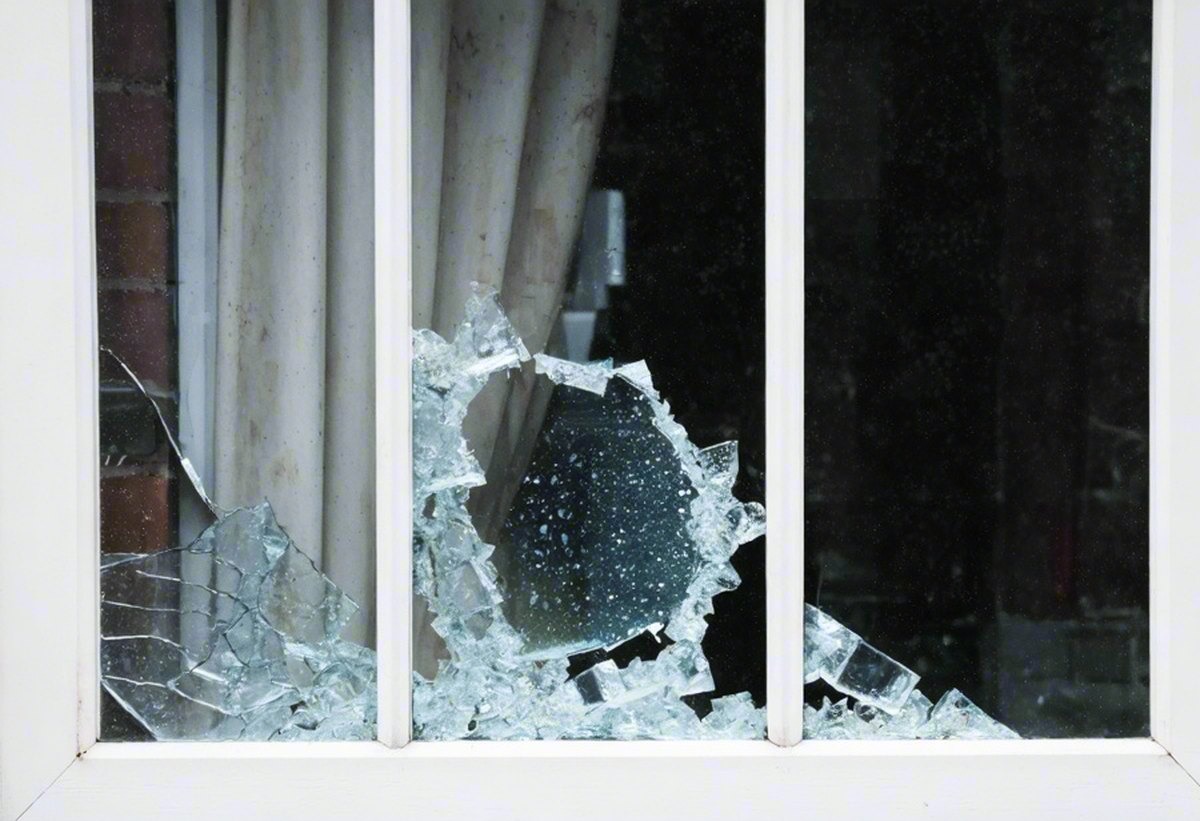
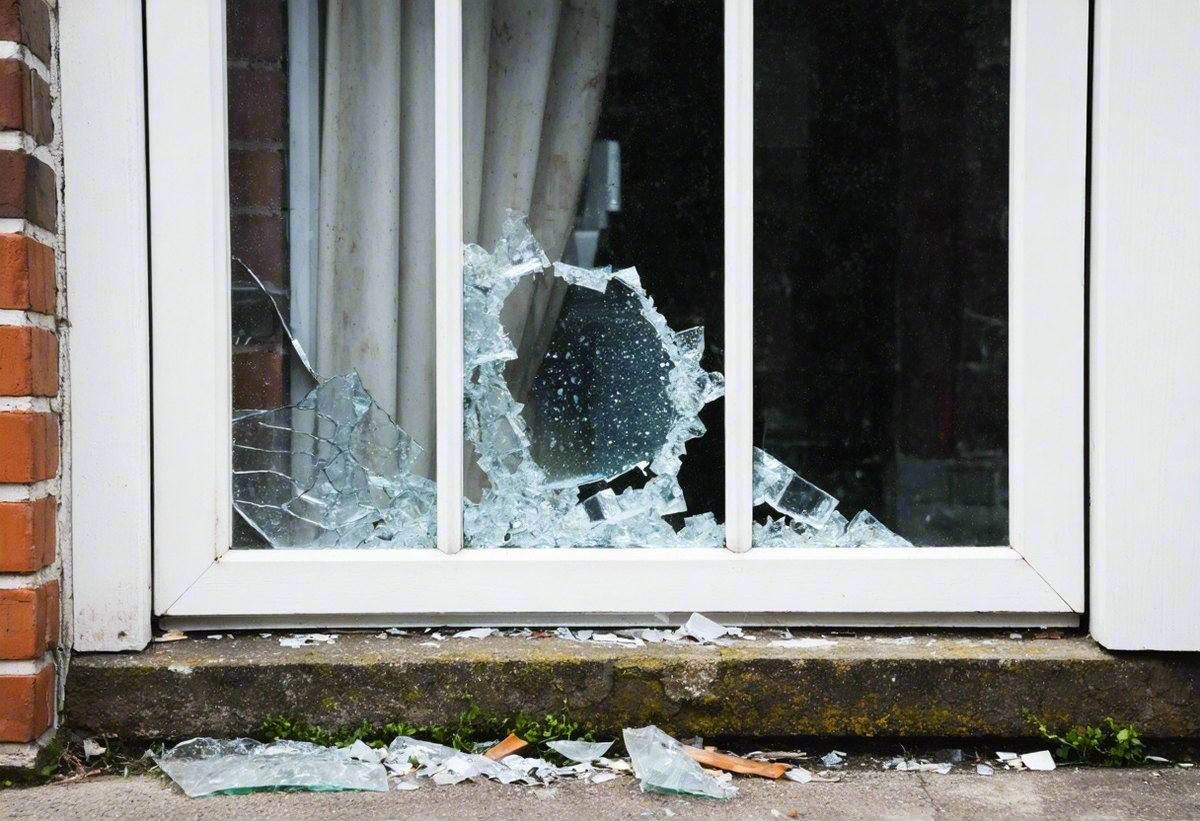
 BeforePane smashed
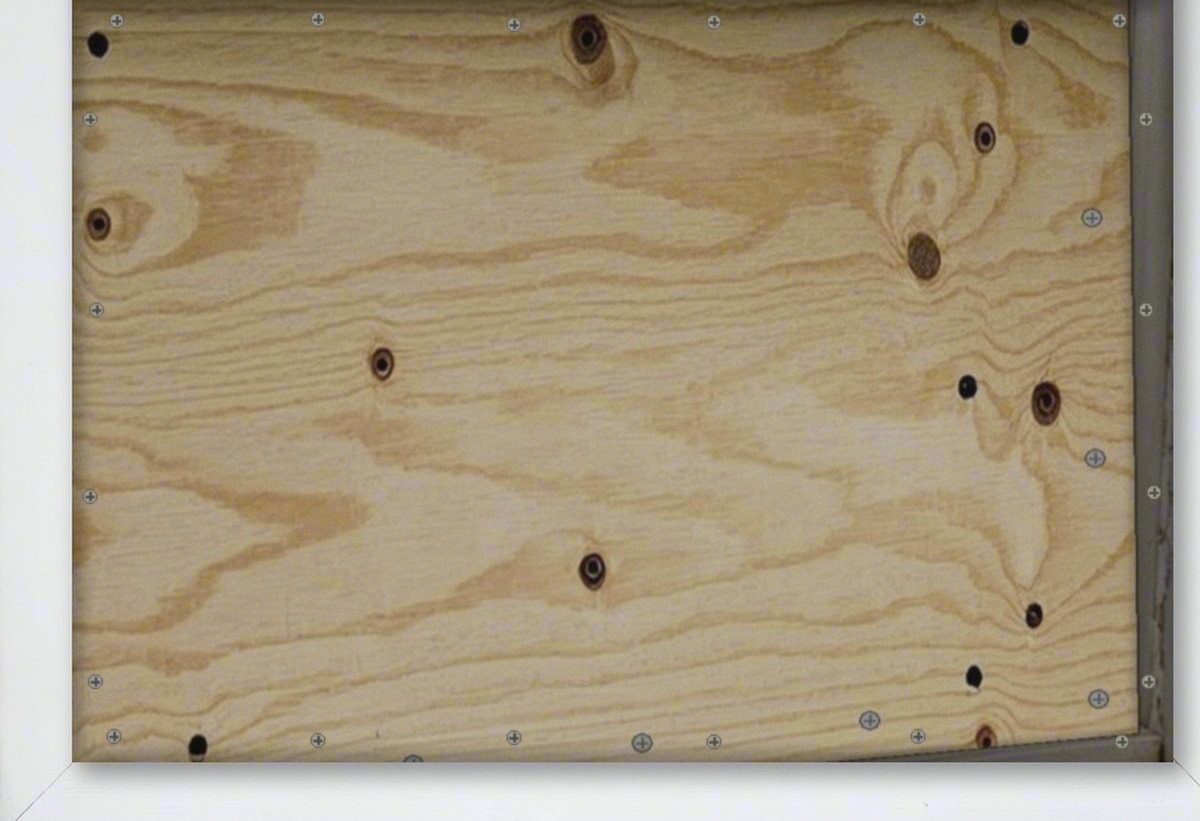
AfterBoarded & secure
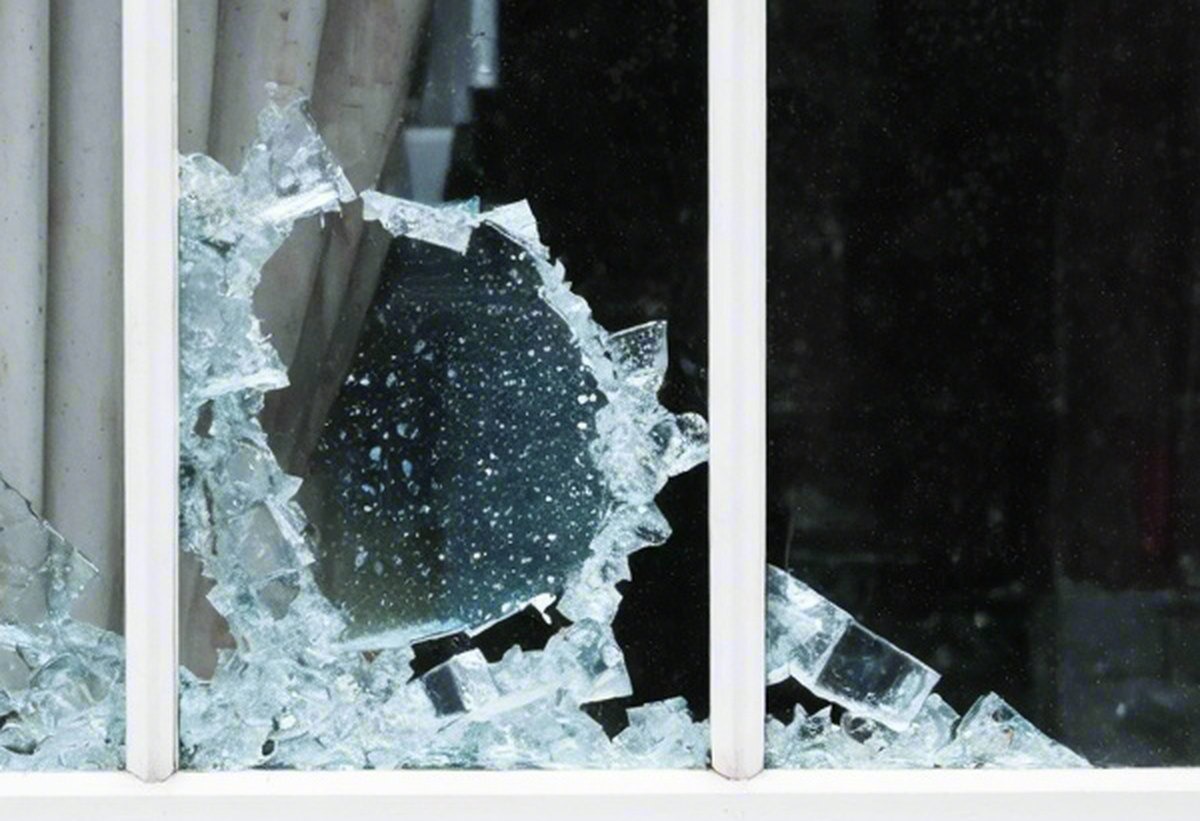
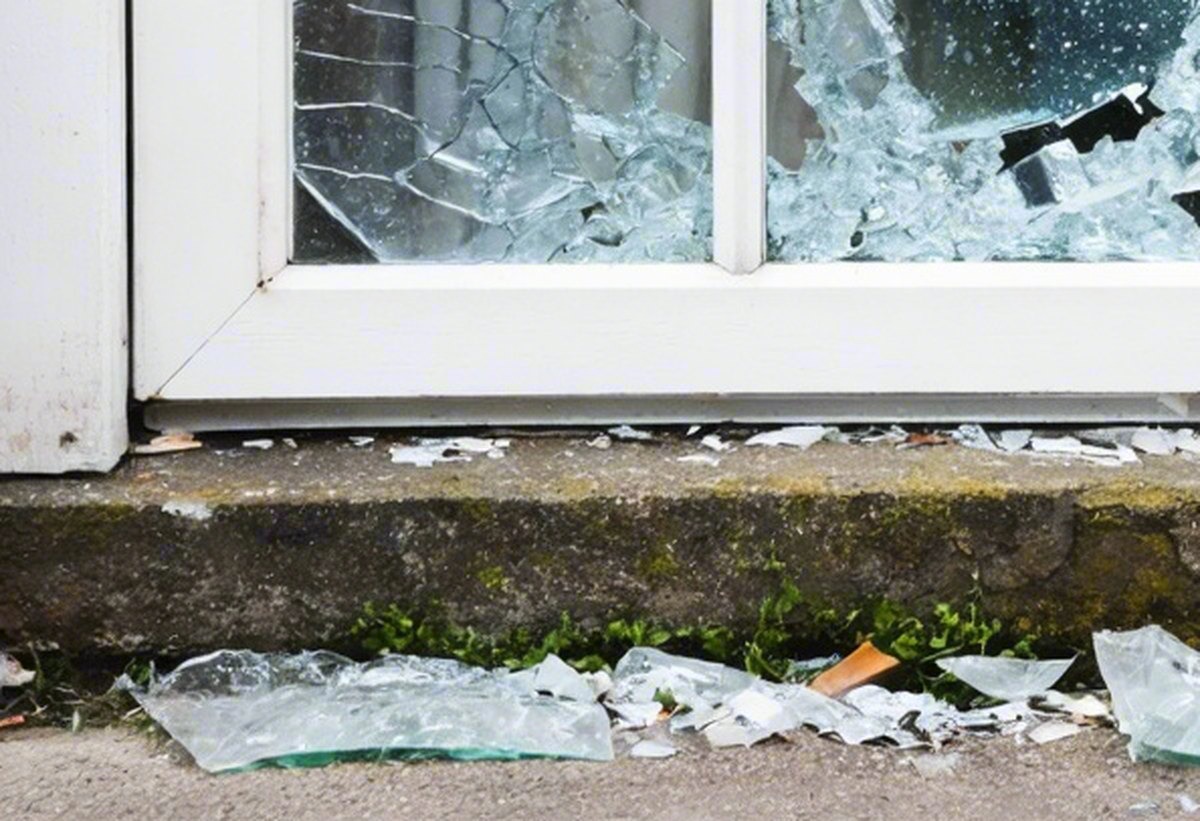
BeforePane smashed
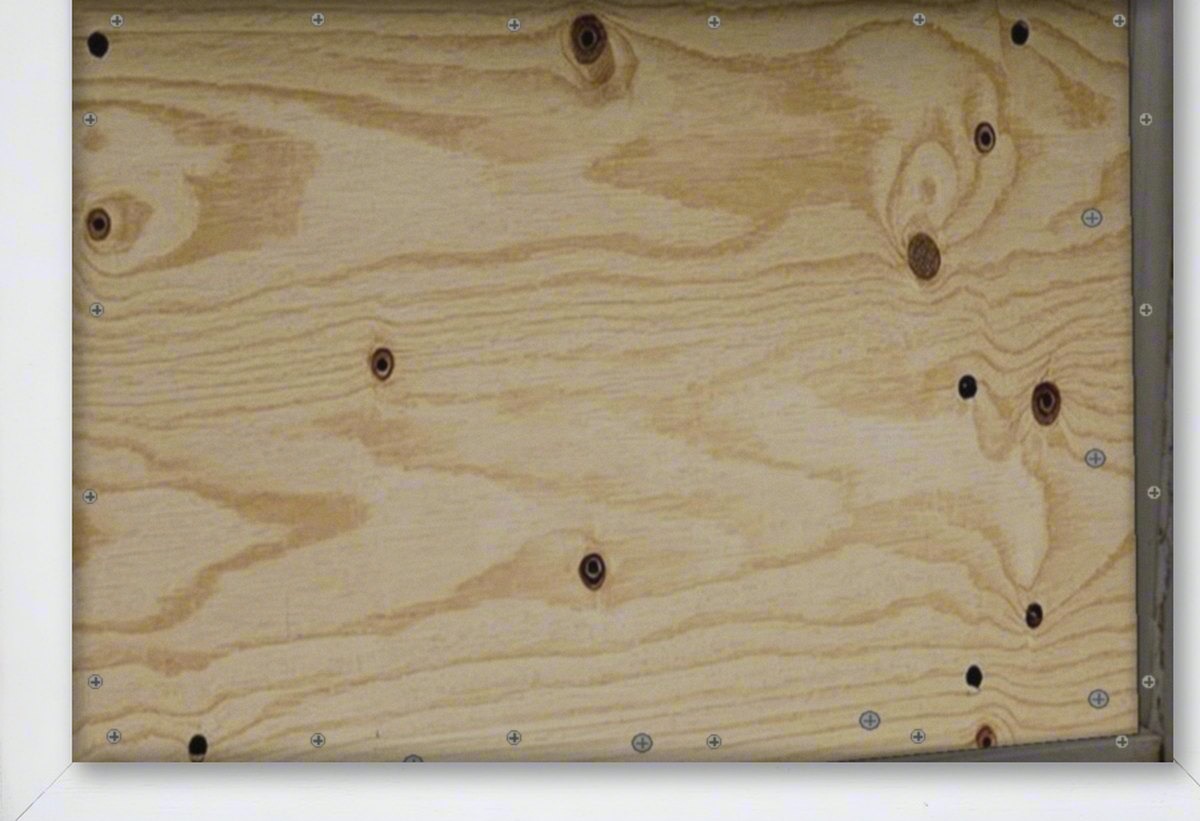
AfterBoarded & secure